Is your clinic losing time to scheduling and sick-day admin?

Share this article

Key Takeaways
For private healthcare clinics, scheduling, sick time, and absence management aren’t three separate workflows: they’re one, with payroll at the end of it. When they live in separate tools, the gaps create manual reconciliation work, compliance risk, and errors that compound quietly across every pay period. This article covers how a connected system changes what you can catch before it becomes a problem, and how to tell if your current setup is costing you time.
In this article, we'll cover:
- Why do scheduling, sick time and absence management need to work together?
- What happens to your payroll when absence tracking isn’t connected?
- How does sick leave work for part-time and casual healthcare staff in Canada?
- What does connected absence management look like for a clinic?
- How do you know if your current system is costing you time?
- FAQs on sick time, scheduling and payroll for clinic team
Let’s be honest about what running a private clinic actually looks like.
On any given morning, the same person managing the appointment schedule, covering a last-minute practitioner callout and returning a patient inquiry may also be the one who runs payroll every two weeks. That’s not unusual. For a lot of dental offices, physiotherapy practices and rehabilitation clinics across Canada, it’s just your typical work day.
And it’s exactly the environment where disconnected systems do their quietest damage. Not because clinic owners aren’t careful, but because the tools most practices are using weren’t built for the specific way a shift-based, multi-role healthcare team operates.
Why do scheduling, sick time and absence management need to work together?
Here’s how it tends to look in practice: scheduling lives somewhere (a shared calendar, a whiteboard, a staffing spreadsheet). Sick time is tracked somewhere else; maybe a running tab or a column nobody updates consistently. And absence management, if it’s tracked at all, is something the practice manager pieces together from both sources when payroll is due.
Then the pay run opens. And the person running it, often the same person who fielded the sick-day call that morning, has to manually reconcile three separate sources of information into one accurate pay record. Every two weeks.
The problem isn’t that practice managers can’t do this. It’s that every manual step is a place where something can slip. A shift missed. A sick day logged against the wrong entitlement. A part-time practitioner’s hours that didn’t make it from the scheduling app into the pay run. Each one is a small error. Across a year of pay cycles, they can compound.
What happens to your payroll when absence tracking isn't connected?
There are two kinds of cost when absence tracking isn’t connected, and both are worth naming.
The time cost is the most visible. Every pay period, someone is manually moving information between systems, cross-referencing the schedule against the timesheet, checking the sick time tab, making sure the supply shift got captured. For a practice manager already running the clinic, that’s time taken away from everything else. For a small office without dedicated admin staff, it often means payroll happens at 9 p.m., after the last patient has gone home and the inbox has piled up.
The compliance cost is quieter but more serious. Sick leave entitlements under provincial employment standards aren’t optional, and they apply to part-time and casual staff too. An employee paid out incorrectly, or not paid out at all when they were entitled, is an employment standards issue. The correction process takes more time than getting it right the first time, and depending on the circumstances, it can go further than that.
Payworks pro tip: If your team is manually reconciling absences at the end of every pay cycle, that’s a signal your systems aren’t talking to each other — and it’s likely costing you more time than you realize.
How does sick leave work for part-time and casual healthcare staff in Canada?
Provincial sick leave legislation varies across Canada, and it’s been changing. Most provinces now have some form of paid sick leave, but the entitlement amount, the accrual method, the eligibility threshold and the documentation requirements differ by province and by employment type.
For a private clinic with full-time practitioners, part-time support staff and the occasional casual coverage hire, that means the sick time calculation is rarely the same for everyone on the roster. A full-time dental hygienist in Ontario has different entitlements than a part-time administrative assistant in Alberta. Getting this wrong, in either direction, creates a payroll record that doesn’t reflect what the law requires.
A few things worth knowing:
- Sick leave entitlements typically accrue based on hours worked, which means tracking starts from the first shift, not just for permanent staff.
- Part-time and casual employees are generally entitled to sick leave on a prorated basis. “They only work occasionally” is not an exemption.
- Some provinces require employers to keep records of sick leave taken and balances available. If that record lives in a spreadsheet only you can find, it’s difficult to produce quickly if it’s ever needed.
How Payworks handles this
Absence Management tracks entitlements, balances, and absences in a system that connects directly with payroll. When a staff member takes a sick day, it’s recorded against the right entitlement automatically, not manually reconciled the night before the pay run.
Québec operates under its own legislative framework, including the Act Respecting Labour Standards and CNESST for workplace injuries, which means the rules around sick leave, absence recording, and reporting don’t always mirror what applies in the rest of Canada. If your clinic has staff in Québec, it’s worth confirming which provincial rules apply to each employee on your roster.
What does connected absence management look like for a clinic?
When scheduling, sick time and absence management are connected to payroll in one system, the workflow changes in a way that’s hard to appreciate until you’ve experienced it.
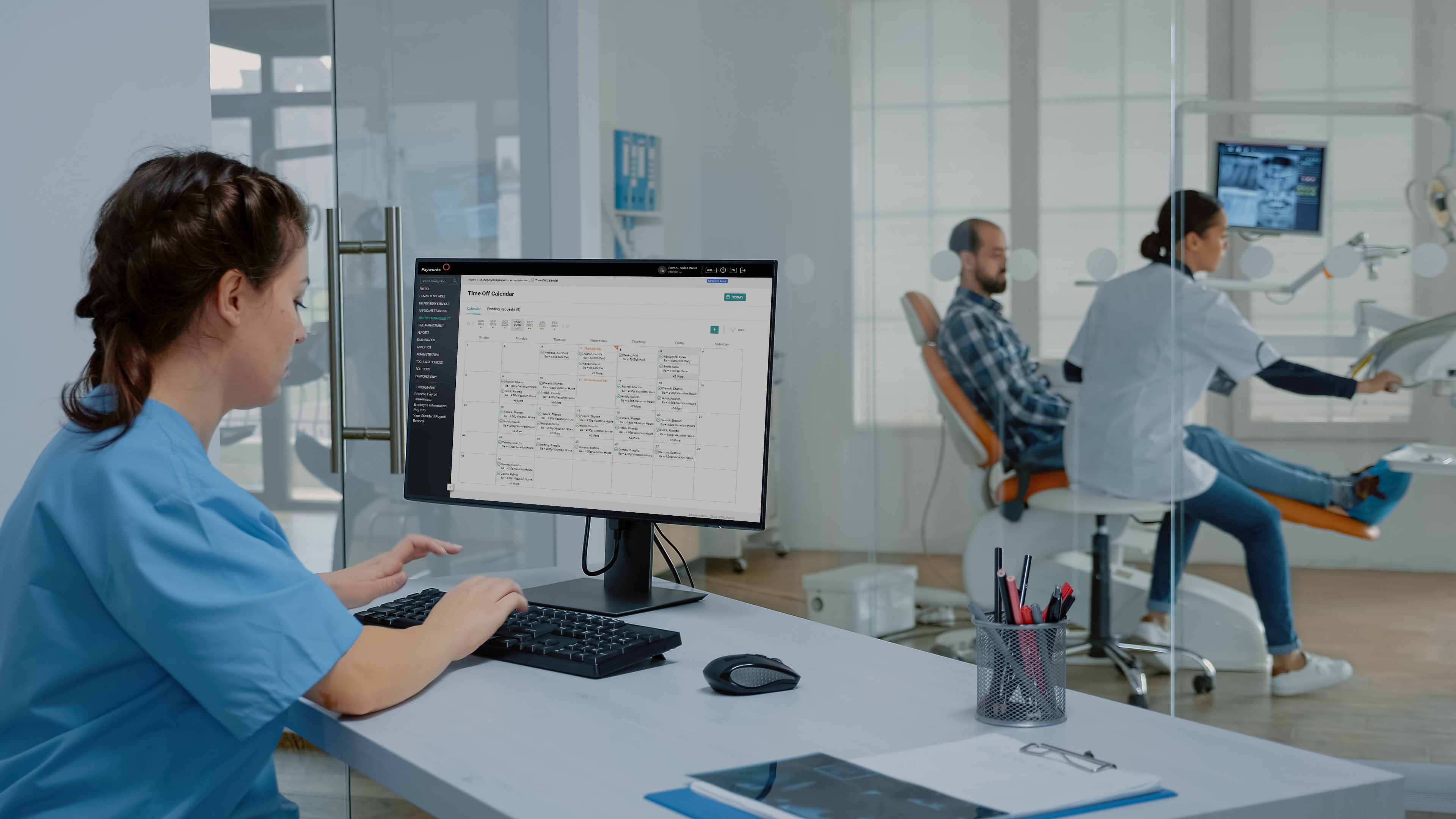
A practitioner calls in sick. The absence is logged by the practice manager, or by the staff member directly through the Payworks Self Service App. The system records it against the correct entitlement based on that employee’s hours, role and province. If a casual hire covered the shift, their hours flow to the pay run automatically, at the right rate, under the right pay code.
When the pay run opens, the record is already accurate. The practice manager isn’t reconciling, they’re reviewing, which is a very different job, and a much faster one.
That shift matters most in a clinic where the same person who is running payroll could also be managing patient schedules, handling supplier invoices and responding to a waiting room that doesn’t pause for admin. The less time spent reconstructing information before the pay run, the more time available for everything else that doesn’t wait.
|
"Having the requests requiring review option within the time off calendar, together with the calendar at a month’s view, was nothing short of brilliant. I would recommend Absence Management to anyone. Familiarize yourself with this module and you will love it." — Enviros Wilderness School Association, Calgary, AB |
How do you know if your current system is costing you time?
Here’s a useful diagnostic. Before your next pay run opens, take stock of how you currently track scheduling, sick time and absences. How long does it take to reconcile those three sources into an accurate pay record? And how confident are you that nothing slipped between them?
If the honest answer is “it takes a while” or “pretty confident, but I can’t always be sure”, that gap is worth a closer look. Not because disaster is imminent, but because the cost of closing it manually compounds over time.
Payworks connects Time Management, Absence Management, and Payroll on one database so hours, entitlements, and absences flow to the pay run without a manual step in the middle. Have a quick question? Ask Orbit, our AI-powered chat, right in your payroll platform, available 24/7 in English or French. For more complex questions, Orbit connects you to our Canadian-based client service team.
98% of clients who choose Payworks choose to stay. For practice managers running payroll themselves, that number tends to make a lot of sense pretty quickly.
FAQs on sick time, scheduling and payroll for clinic teams
Does Payworks Absence Management work for clinics with part-time and casual staff?
Yes. Payworks Absence Management supports hourly, salaried and variable-hours employees within the same platform. Entitlements are configured to match your specific compensation structures and provincial requirements, so the right rules apply to the right employees automatically.
What happens to a time off request during the payroll cycle?
Once a time off request is approved, it flows to Payroll and Time Management automatically — no manual rekeying. Requested and available balances update in real time, so employees and managers always see an accurate picture of what’s left.
Can employees submit their own time off requests?
Yes. Through the Payworks Self Service App or any web-enabled device, employees can check leave balances, submit requests and track approval status on their own schedule. That means fewer back-and-forth messages for managers, and fewer things falling through the cracks.
Seeing is believing!
Curious what connected scheduling, absence management, and payroll looks like in action and how much time you could get back in your week? Book a pressure-free, get-to-know-what-we-can-do-for-you demo today.
These articles are produced by Payworks as an information service. They are not intended to substitute professional legal, regulatory, tax, or financial advice. Readers must rely on their own advisors, as applicable, for such advice.